================= d e r n u l l e f f e k t =================
beyond the art by Wolfgang Spahn ============================================================= |
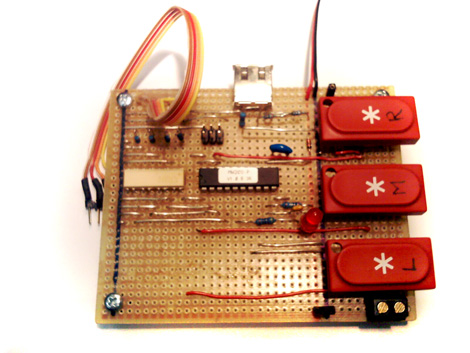
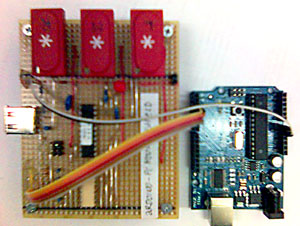
USB Mouse Interface for the Arduino ========================= This interface was made for "closed" systems. When it´s not possible to connect sensores to your computer or to your program, this interface can help. Just connect some sensors to the Arduino, write a small program and plug the mouse interface into your usb port. Now the Arduino will act like a typical computer mouse. It allows you to use the movement of the mouse cursor instead of the sensor dates. The circuit is made with a MouseWarrior20-o from Code Mercenaries.
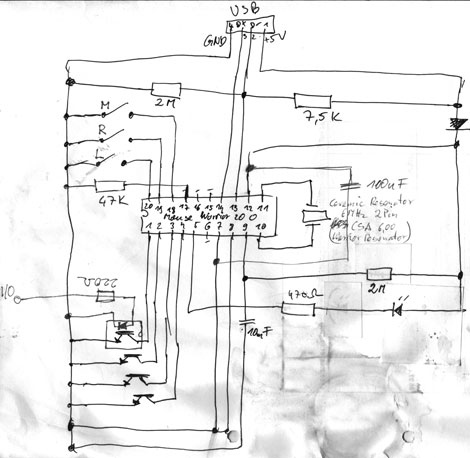
And here is the circuit for the MouseWarrior. The chip needs a 6 MHz Ceramic Resonator.
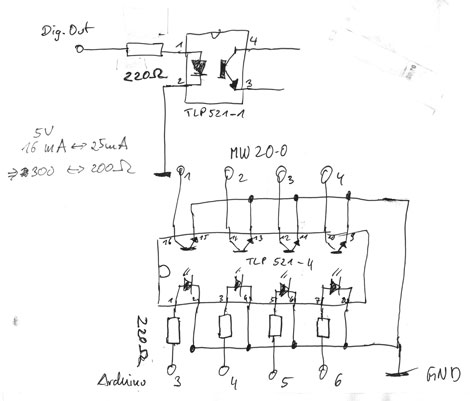
... for connecting it to the Arduino, you need some opto isolators. In this case the best choose would be the TLP 521 (Toshiba).
Here is an example for the code.
==================================================contact==== |